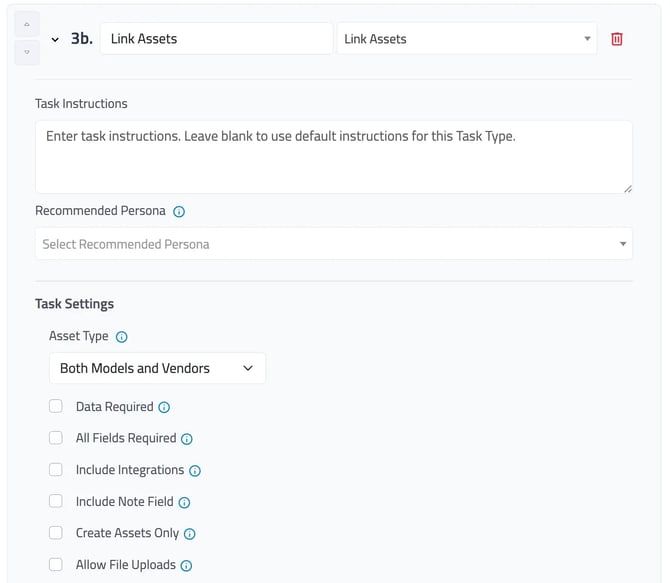
Link or create related assets like model cards and vendors. Depending on your organization’s policy for submitting use cases pre-deployment or post-deployment, users may know if there is a preferred or designated model or vendor associated with the use case. This information can inform risk considerations.
Asset Type can be adjust for ‘Both Models and Vendors,’ ‘Models,’ or ‘Vendors.’ Users can also set specific criteria for the task, this includes requiring data, making all fields required, allowing for data from integrated systems, including note fields, and/or allow files to be uploaded.
Selecting “Create Assets Only” will require that all users create a net-new asset record; users will not be allowed to attach an existing record to the use case.
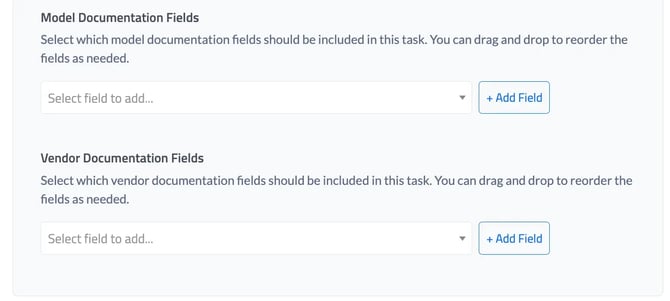
Similar to Use Case Documentation, Models and Vendors, can have designated documentation fields. These fields must be first added on the Documentation tab within the Customization Center.