
To begin build a workflow, select “+Add Task Group.”
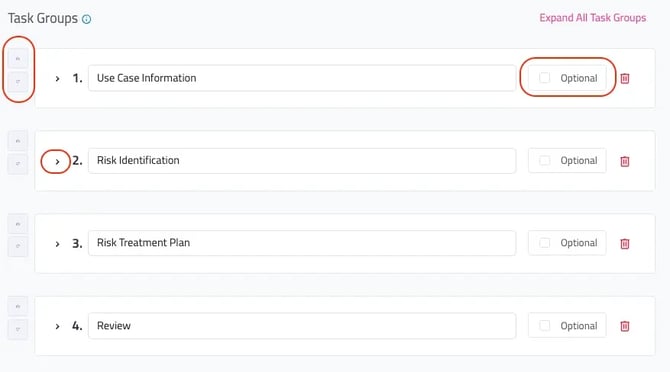
Task groups can be rearranged, expanded, deleted and marked “Optional.” Considerations for task groups can be based on ownership/assignee or similar activities.
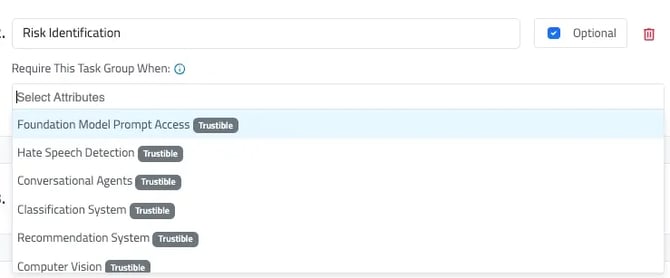
When selecting “Optional” task groups admin users can select the conditional field for when the task group appears. If any of the selected attributes are present on the inventory item, this task group will be required. Otherwise, the task group will remain optional.
Once you have created a task group, you can now create tasks. Set the default number of days for tasks in this group to be due, from the previous task’s due date. For example, if Task Group #1 has a default due date of 7, and Task Group #2 has a default due date of 3, then all Tasks in Task Group #2 will have a due date of 10 days after the Workflow has been created.
If you would not like to set a due date, leave the value blank.
Users can consider adding a “Task Group Description” to provide additional guidance or instructions to users completing the tasks.