Use Case Task Type - Documentation
Collect and document use case information via text or multiple-choice fields. Documentation fields can be added into individual texts. All information captured within Documentation fields will be aggregated on the use case record’s Documentation tab. Admin users can:
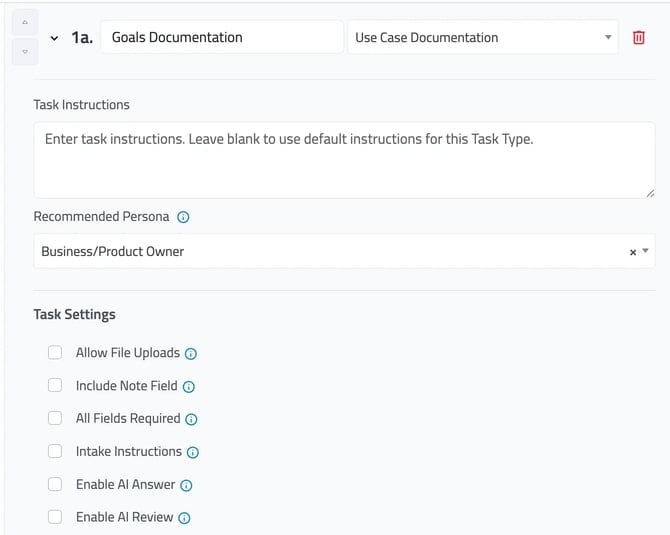
Task Instructions can be set by default to help guide users understand how to address the tasks.
Recommended Persona is not an individual person, but rather a role that you can recommend to complete the task. Tasks can be automatically assigned to individuals when they are designated as the Recommended Persona. To set-up individuals as the default owner based on Persona, navigate to the “Settings” tab. This can be updated at any time.
Task Settings allows you to customize how the task can be actioned - from allowing file uploads to requiring a field. All values selected will apply to every field added. Enabling “Include Note Field,” will include a free text field for any multiple choice question included in the task.
💡Selecting “Enable AI Answer” and/or “Enable AI Review” allows users to automatically complete multiple choice answers based on intake scoping responses. Click here to learn more about these features.
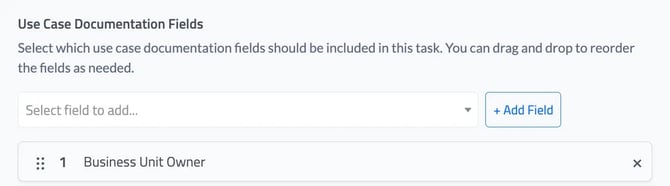
To add a Documentation field to a task, search for the new field. Once selected click, “+Add Field.” This will then be displayed with a number (e.g. 1 Business Unit Owner) and can be rearranged using the drag and drop 6 dot feature on the lefthand side.