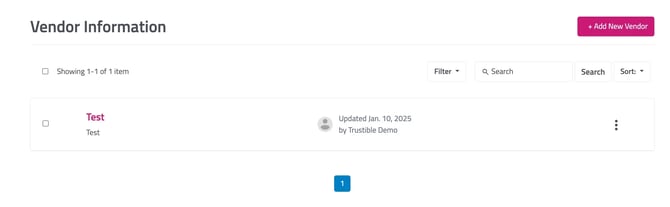
Vendors can be archived in the same manner as use cases and model cards, by clicking the three dots on the far-right of the vendor.
To view archived vendors, select the filter button on the top-right and select the “Archive” button. You can restore archived vendors by clicking the three buttons on the right of the model card and selecting “Restore.” If you still cannot find your vendor, contact us at support@trustible.ai.
To create a new vendor, click the “Add New Vendor” button at the top right-hand side of the screen. You will be navigated to filling out basic information about the vendor.
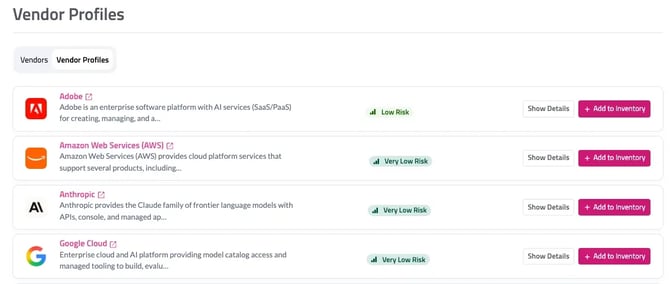
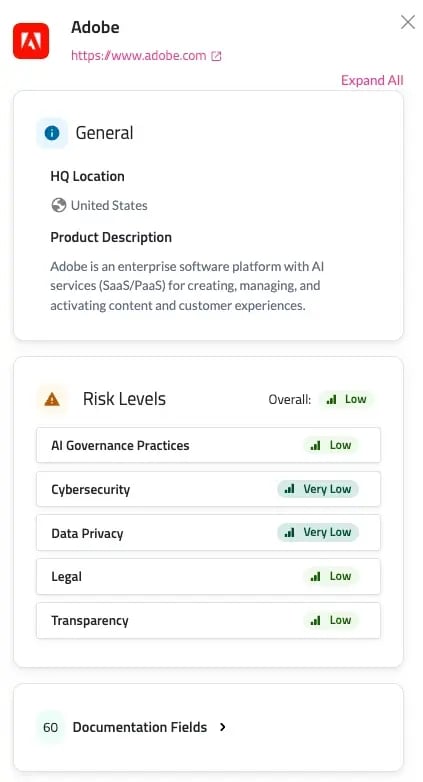
Vendor Profiles